


Discord – Free and Secure Chat & Calling App for Gamers
Discord is a free, secure chat and calling application designed specifically for gamers. Discord is available for both desktop computers and mobile devices. Instead of paying for services like TeamSpeak or using Skype, gamers can simplify their communication with Discord’s free chat service.
What Is Discord?
As mentioned above, Discord is a chat platform created especially for gamers. It offers two core features: text chat (messaging) and voice chat. Discord is completely free—you can quickly create a Discord account, log in, and start using it immediately.
Users can create unlimited servers without any restrictions. Currently, Discord remains entirely free. In the future, Discord may expand with an online store offering themes, sticker packs, or sound packs, but its core features will always remain free and stable.
Optimized for Online Gaming
Discord uses encrypted servers for player communications, helping protect your IP address. This provides better privacy and security compared to some other communication apps.
Stay Connected with Friends Anytime
Install Discord for Windows, log in via the web, or use it on mobile devices to chat with friends anytime, anywhere.
Modern and Youthful Design
Easily share images, videos, and links directly from your computer. GIFs only play when you hover over them, helping reduce CPU usage.
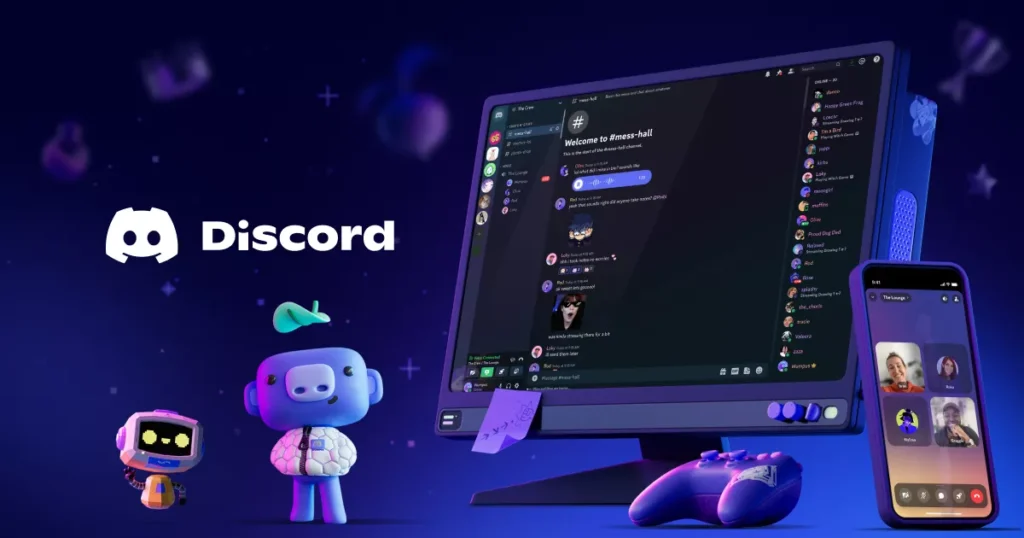
Free chat app for gamers Discord
Voice Chat Without Slowing Down Games
Designed specifically for gaming, Discord for Windows has minimal impact on CPU usage and system performance. Your gaming experience remains smooth compared to using other chat applications.
Easy Installation
It takes only 10 seconds to install Discord on your computer.
Powerful and Simple Server Management
Easily manage permissions and support multiple channels—all within a clean and intuitive interface. Discord is suitable for both small and large communities.
Clear, High-Quality Audio
Discord uses advanced technology for noise suppression, echo cancellation, and automatic audio optimization, ensuring the best voice chat experience for gamers.
Safe Messaging and Friend Management
Add friends and send private messages securely. The Block feature allows you to block unwanted users and messages.
See Who’s Talking Without Alt+Tab
Discord’s customizable layout lets you see who is speaking without switching windows. You can also adjust individual volume levels, switch servers and channels, or remove members without interrupting your game session.
Overall Review
Overall, Discord for PC is a complete chat application for gamers. It is completely free and provides a comfortable, convenient way to communicate with other players.
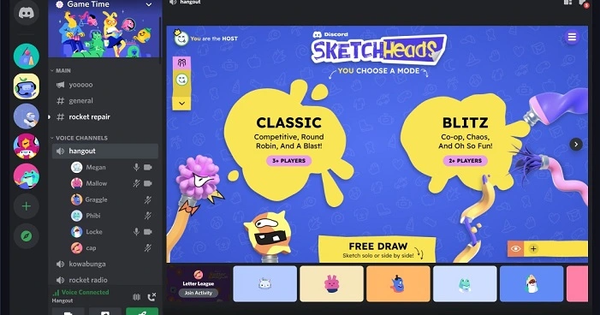
Free chat application for gamers
Latest Discord Update
Discord (05/2024)
- Discord celebrated its 9th anniversary in May 2024, introducing special offers and new features.
- Users can now stream any activity directly within text channels via the “+” button.
- Introduced a brand-new Shapes button.
- Create polls using @everyone with built-in voting.
- Pop-up profiles now display mutual servers and friends.
- Fixed Bluetooth connection issues during calls.
- Added moderator permissions for poll creation.
- Resolved crashes and freezing problems.













Reviews
There are no reviews yet.