


Apple Devices – Manage iPhone and iPad on Windows Without iTunes
Apple Devices is a personal application for Windows that replaces iTunes for managing Apple devices such as iPhone and iPad. The app allows users to update, back up, restore, and sync devices, manage content, and share files with a Windows computer.
About Apple Devices
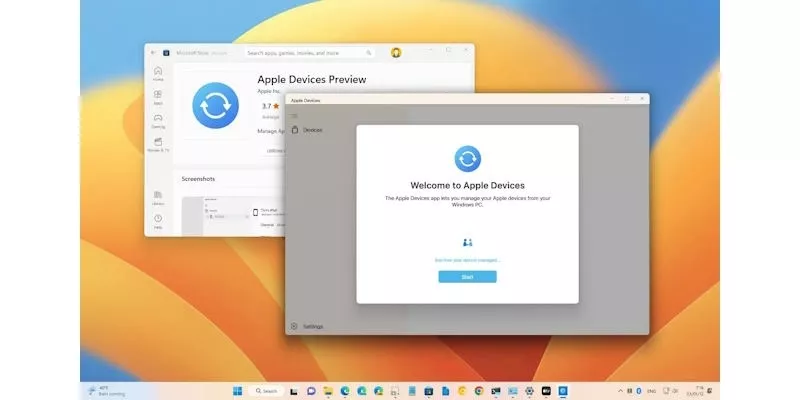
Apple Devices is a free multimedia application for Windows designed to help users manage their Apple devices without installing iTunes. The app features a clean, minimalist, and easy-to-use interface, allowing you to connect an iPhone, iPad, or iPod via USB and access content quickly.
Once connected, users can view detailed information about their Apple devices, including operating system version, storage capacity, and available updates. This makes managing and maintaining Apple devices on Windows more convenient than ever.
In addition to content management, Apple Devices for Windows supports powerful backup features, enabling users to store photos, documents, and app data directly on their Windows PC. Backup files can be password-protected to enhance security.
Furthermore, the Apple Devices app also supports restoring devices to factory settings, helping users effectively troubleshoot issues. It is an ideal solution for users who want to use Apple devices seamlessly and securely within a Windows environment.
Key Features of Apple Devices for PC
- Sync music, movies, and TV shows from a Windows PC to iPhone, iPad, iPod, or iPod touch.
- Update or restore iPhone, iPad, iPod, or iPod touch.
- Back up and restore iPhone, iPad, or iPod touch.












Reviews
There are no reviews yet.