


Epic Pen is a powerful yet lightweight application that allows you to draw or write directly on your screen without interrupting your workflow. Whether you’re using a Mac for teaching, presentations, or creative work, Epic Pen makes on-screen annotation seamless and intuitive.
What is Epic Pen?
Epic Pen is a screen annotation software designed to work over any application. It allows users to draw, highlight, and write on top of their screen in real time—without switching between programs.
This makes it especially useful for:
- Online teaching
- Team collaboration
- Virtual presentations
- Live streaming
Key Features of Epic Pen
Draw on Any Application
One of Epic Pen’s biggest advantages is its ability to work across all apps. You can draw over browsers, documents, videos, or design tools without interrupting your workflow.
Simple and Elegant Interface
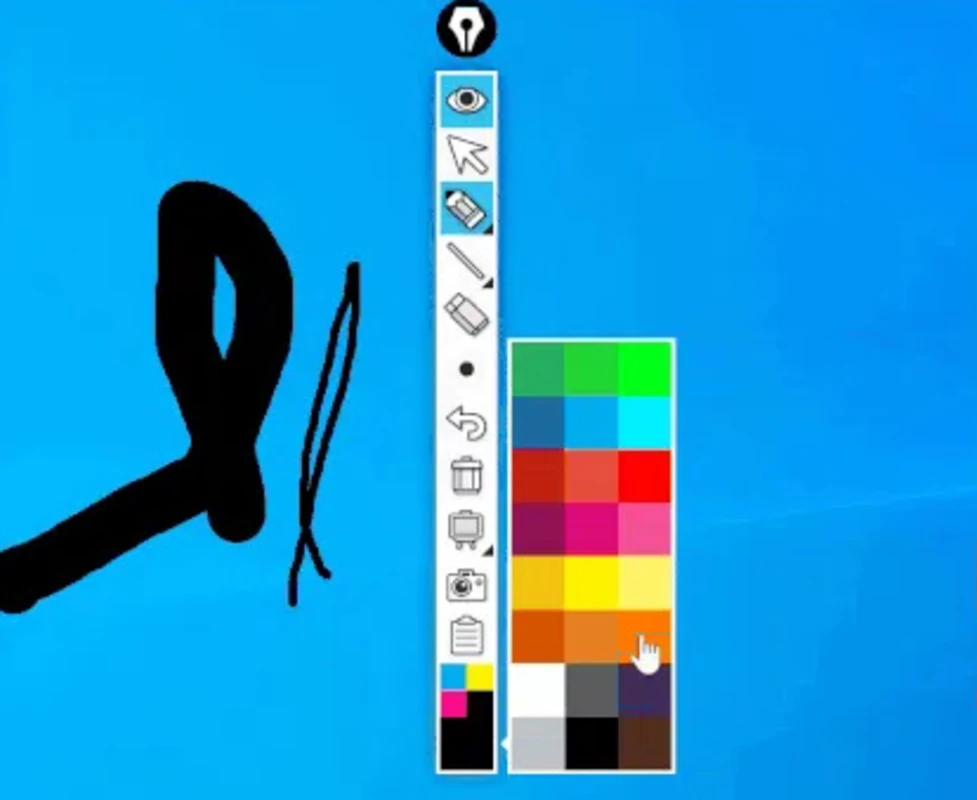
The interface is minimalistic and user-friendly. It appears as a small, movable toolbar that can be placed anywhere on your screen, giving you quick access to essential tools.
Multiple Drawing Tools
Epic Pen includes several useful tools such as:
- Pen for freehand drawing
- Highlighter for emphasis
- Eraser for corrections
These tools are easy to switch between, making the experience smooth and efficient.
Tablet and Stylus Support
The software supports a wide range of digital pens and drawing tablets, ensuring a comfortable experience for extended use.
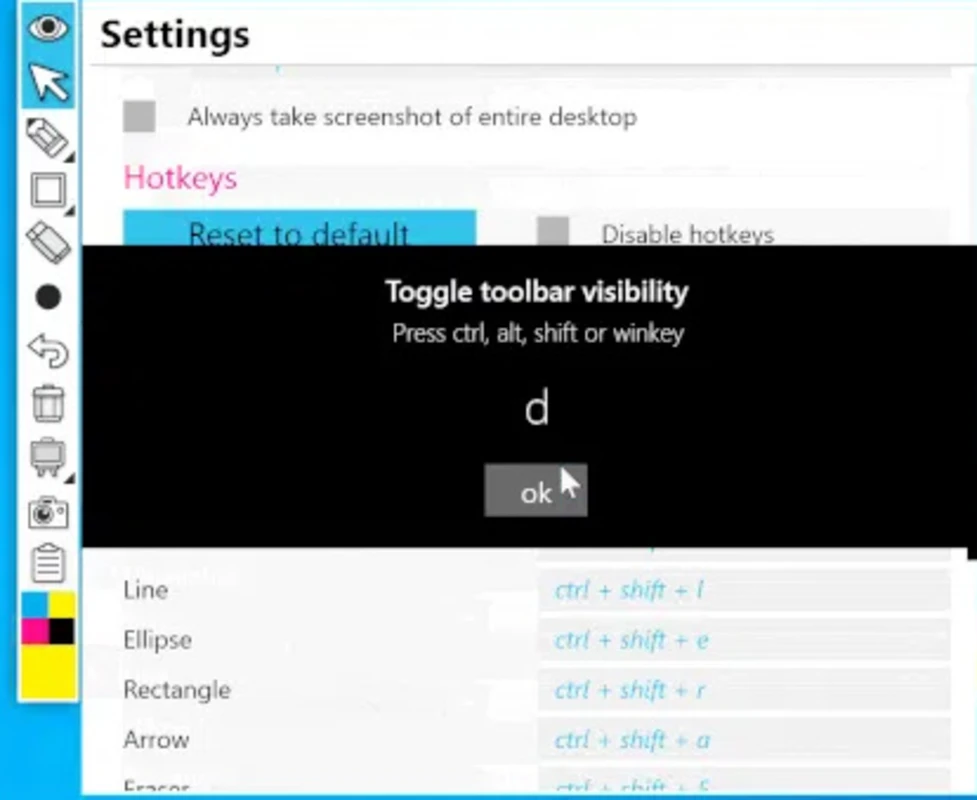
Custom Keyboard Shortcuts
Users can assign keyboard shortcuts to different tools, allowing faster access and improved productivity during presentations or teaching sessions.
Free vs Paid Version
The free version of Epic Pen provides essential features, including:
- Basic drawing tools
- 16 color options
While the color selection may seem limited, it is more than enough for creating diagrams, notes, and highlights.
The paid version unlocks additional features, offering more flexibility for advanced users.
Why Use Epic Pen?
Epic Pen stands out because of its simplicity and versatility. It’s particularly beneficial for:
- Teachers explaining concepts visually
- Professionals delivering presentations
- Content creators and streamers engaging their audience
Its ability to function without disrupting other applications makes it a highly practical tool.
Final Verdict
Epic Pen is an excellent choice for anyone looking for a reliable screen annotation tool. With its clean interface, cross-application functionality, and support for drawing devices, it delivers both convenience and performance.
Whether you’re teaching, collaborating, or presenting, Epic Pen helps you communicate ideas more effectively.












Reviews
There are no reviews yet.